
Are you also thinking about installing vinyl flooring on concrete to make your space more stylish and modern look? It has become a popular option for concrete as vinyl has low maintenance, high durability and is water resistant. This guide will cover how to install vinyl flooring on concrete, wood or basement.
Step-By-Step Guide To Install Vinyl Plank Flooring On Concrete:
Here’s a step-by-step instruction to install vinyl flooring on concrete. Wear proper safety goggles and gloves, or if needed wear a mask.
Prepare Your Concrete Surface:
- Clean your concrete floor with a broom or vacuum to remove any debris or dust.
- Now wipe away any grease or oil stain on concrete floors, for detailed cleaning of concrete floors, check out (How To Clean And Restore Concrete Surface)
- Use a self leveler compound to fill cracks and flat your concrete subfloor for smooth vinyl plank installation. It will dry fast, and you’ll do your work quickly.
- Inspect moisture issues to prevent later splitting or uproot problems with vinyl flooring by using a moisture meter or laying a plastic sheet on the floor for up to 24-48 hours, it is the best method for concrete floors.
Installing A Moisture Barrier:
If you notice any moisture problem, then install a moisture barrier like plastic sheeting (for high moisture problem) and underlayment with a built in vapor barrier (for low moisture problem and noise reduction).
If your concrete floor has a high moisture issue, after solving it, a thick plastic sheet of 6-10 mil with moisture resistant adhesive is a perfect option to increase the lifespan of your vinyl flooring.
Plan Your Layout:
- Follow natural light directions or lay down the planks parallel to your longest wall for a seamless look.
- Generally, the length of room or space matters for floorings. In narrow rooms like hallways, install planks longitudinally to make space more spacious.
- If converting your existing floor to another flooring, align planks with the same ways as previous.
Use a Chalk Line For Straight Installation:
- Find the center of your room by measuring your walls on both sides and mark it.
- Use a chalk line and measuring tape to mark the reference point on the entire room to avoid any misalignment.
- Lay some planks along the lines to check proper alignments before installation.
Cutting And Fitting The Planks:
- Use a measuring tape to measure the planks according to the chalk lines or room measurement before cutting.
- Score your vinyl planks surface with a utility knife for a straight cut, then snap it with a vinyl cutter.
- Use a jigsaw for detailed cuts around any object like door or pipes for a smooth roundly cut.
Installing The Vinyl Planks:
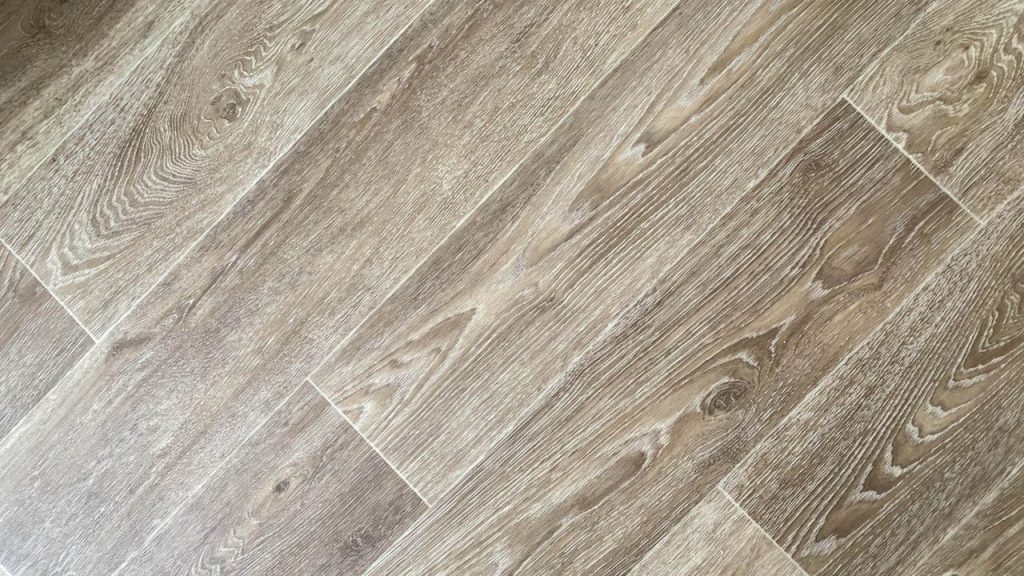
For Click-Clock Vinyl Flooring:
Start from the left corner of the room, put the plank on the concrete floor with the previous plank at a 45° angle or along the chalk line and press it with pressure, and lock the locking mechanism according to the instructions given by the manufacturer. Follow the same process for further installation.
For Glue Down Vinyl Flooring:
Use a trowel to spread given adhesive on the small corner of the room evenly. Now lay down the vinyl planks gently on the glue with a marked line, press each plank firmly and use a weight roller to roll that on the floor to avoid air bubbles beneath the vinyl planks, after installing the planks.
Loose Lay Vinyl Flooring:
Lay down the planks on the floor with marked lines and use a tape or some adhesive around the edges and corner of the planks to avoid shifting them anywhere.
Final Touch Ups:
- Use a utility knife to cut the extra vinyl plank around the wall or doors.
- Install baseboard to cover the gaps between vinyl planks if needed.
- Clean the surface of the floor from dust or remaining adhesive from damp cloth for a polished look.
- Leave the planks for at least 24 – 48 hours to settle them with the concrete before heavy use.
Ready to install vinyl floorings into your homes to power the beauty of your space by these water-resistant, stylish and durable planks. Contact us today to transform your floors in a professional look by installing them.